
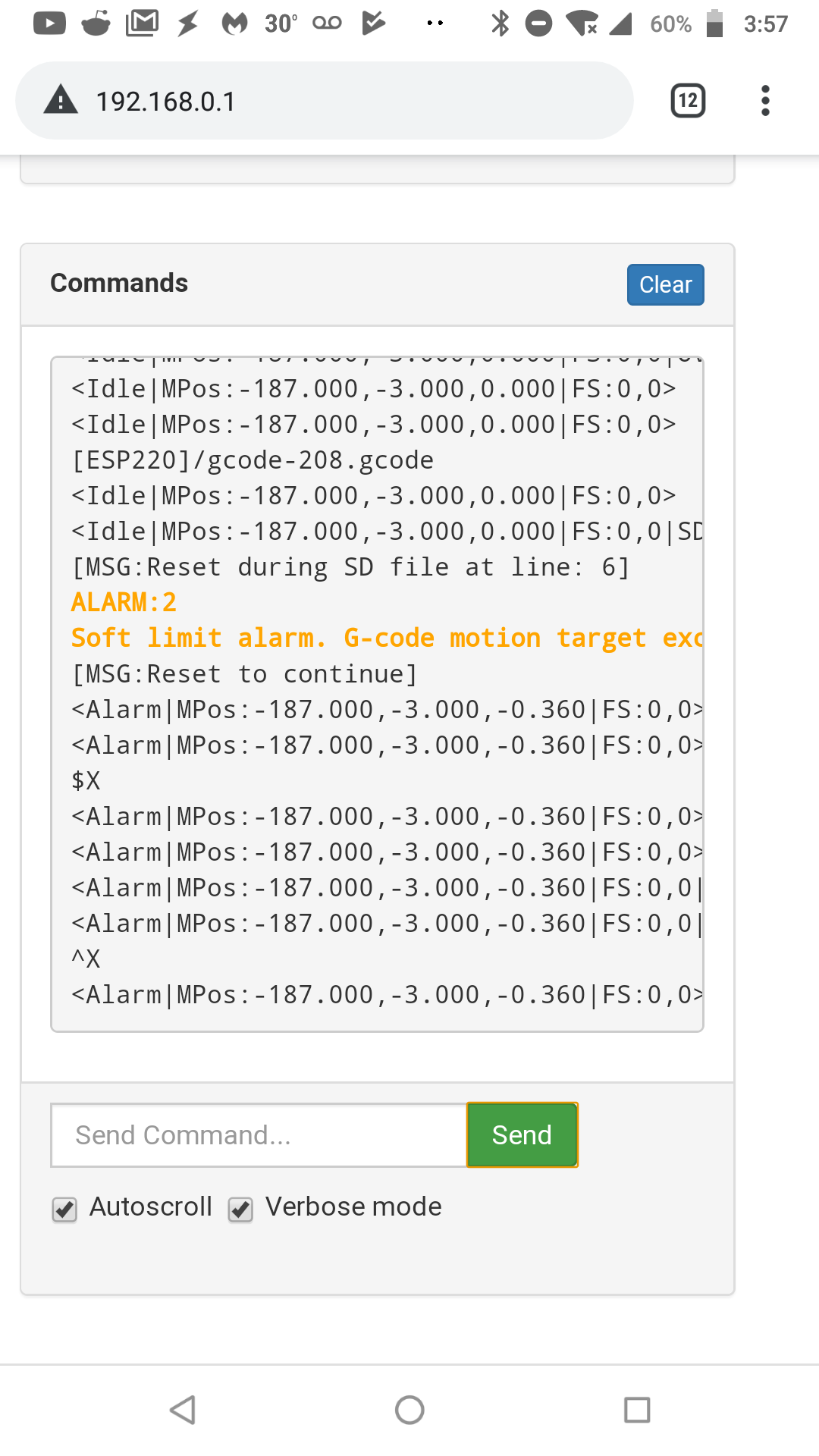
With soft limits enabled and accessing GRBL from the ESP3D front end, I can not send a ctl-x to perform a soft reset. If my gcode happens to hit the soft limits it triggers the alarm and there is no way to clear it short of unplugging the machine. Is there another method to clear the soft limit alarm? I have tried $X, ^X, 0x18, and of course holding control and x. None of those will clear the alarm though.
评论 (19)
#2 – peek82 于 2019-11-02
#3 – peek82 于 2019-11-02
#4 – peek82 于 2019-11-02
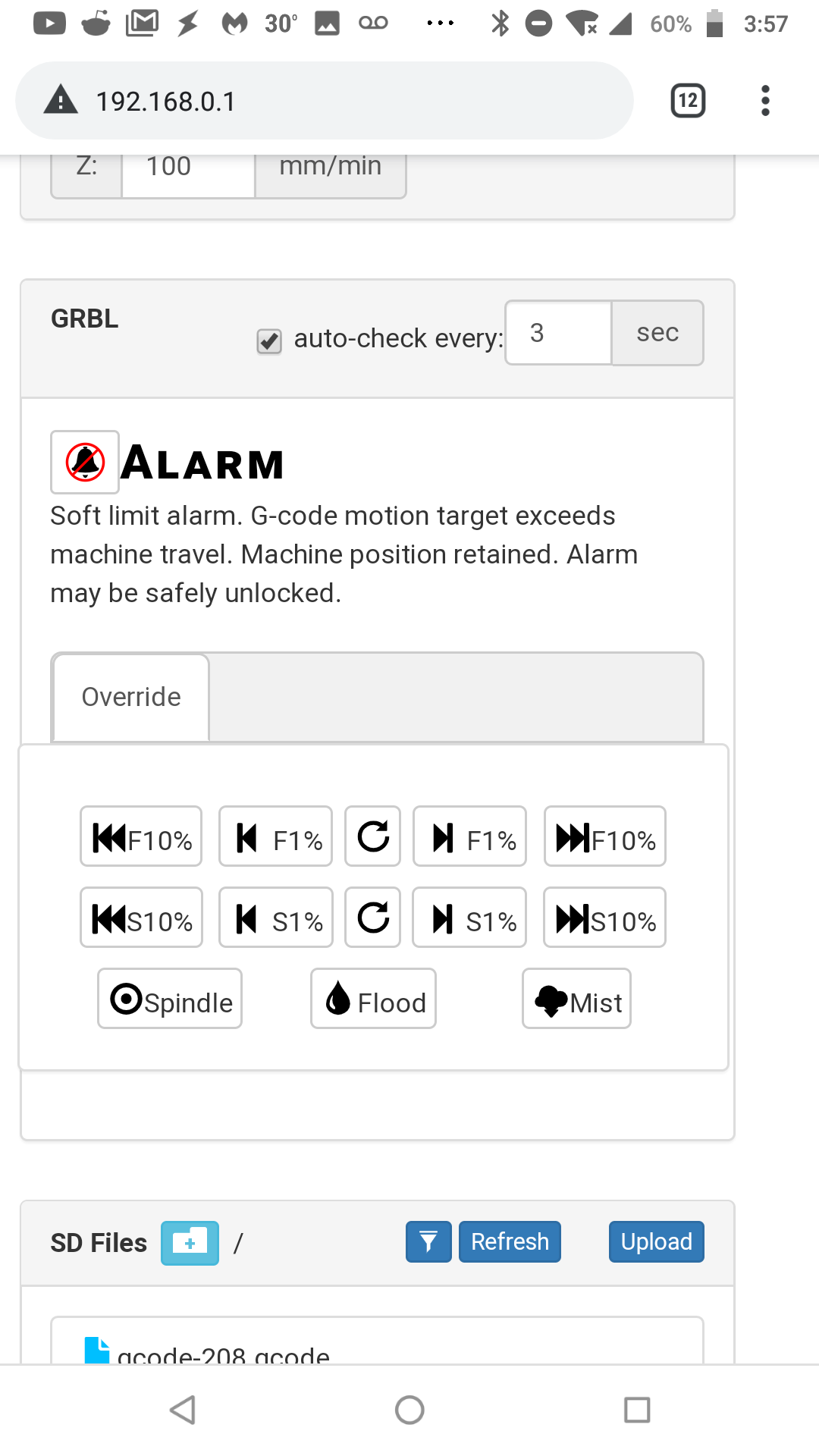
The alarm reset button does not work after triggering a soft limit alarm.
#5 – luc-github 于 2019-11-02
the bell button send control-X which is supposed to clear the alarm
@bdring is control-X the correct command for such alarm ?
#6 – peek82 于 2019-11-02
Per the grbl documentation, ctrl-x is the correct way to clear a soft limit alarm. The bell button is non functional after a soft limit alarm, but is useable for other alarms in my experience.
#7 – luc-github 于 2019-11-02
So the command is well send from WebUI if working on others Alarm, this is what I tested also before – but in this case it is not taken in account in FW
#8 – bdring 于 2019-11-02
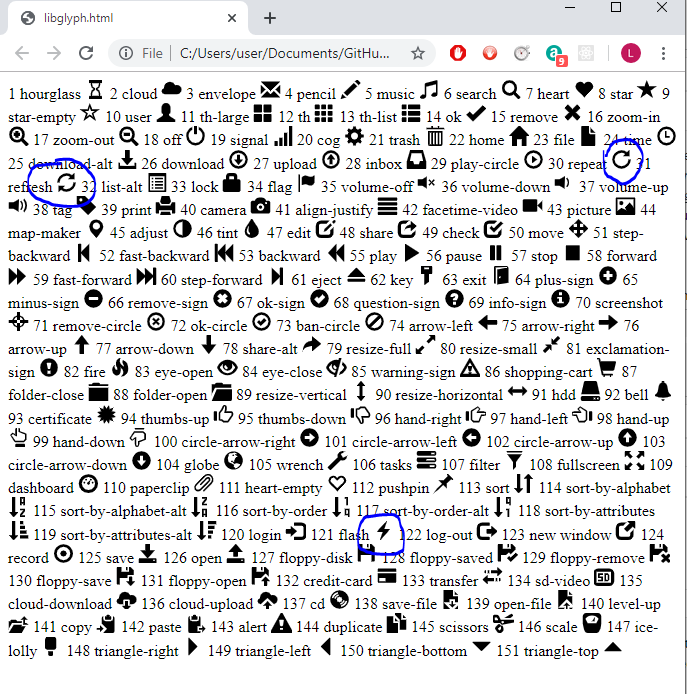
I think the bell sends $X. You need to send character 0x18.
Control-X is confusing language from Grbl docs. It is a single character in hex 0x18.
I don’t know how you can query this situation. I think you have to see the message in the console.
#9 – luc-github 于 2019-11-02
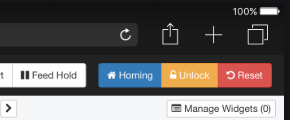
Yes Bell send $X the grbl_reset button (0x18) is only visible when doing SD printing or Probing
should it be visible all the time ?
or bell button send 0x18 when alarm 2 and $X when other alarm ?
or when bell button appear display also a reset button on the side ?
#10 – peek82 于 2019-11-02
In my opinion, if the bell button sent 0x18 for alarm 2 and $X for the other alarms it would be the simplest for the operator. But if there are other reasons one might need to send the 0x18 (which are not immediately apparent) it may make sense to show a separate button. Regardless, the support here is superb and greatly appreciated. Thank you both.
#11 – bdring 于 2019-11-02
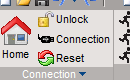
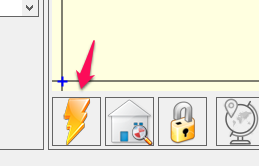
I looked at 5 senders (UGS, LaserGrbl, bCNC, LaserWeb and Grbl Plotter). They all have permanent buttons.
Some have icons.
bCNC
!image
LaserGrbl
CNCJS
#12 – luc-github 于 2019-11-02
We have all 3 icons available so not a problem to choose
This button should be always visible I guess so what about put in GRBL panel a footer like in control panel and put button in it ?
#13 – luc-github 于 2019-11-02
will make a modification tomorrow – to late now to start
#14 – luc-github 于 2019-11-03
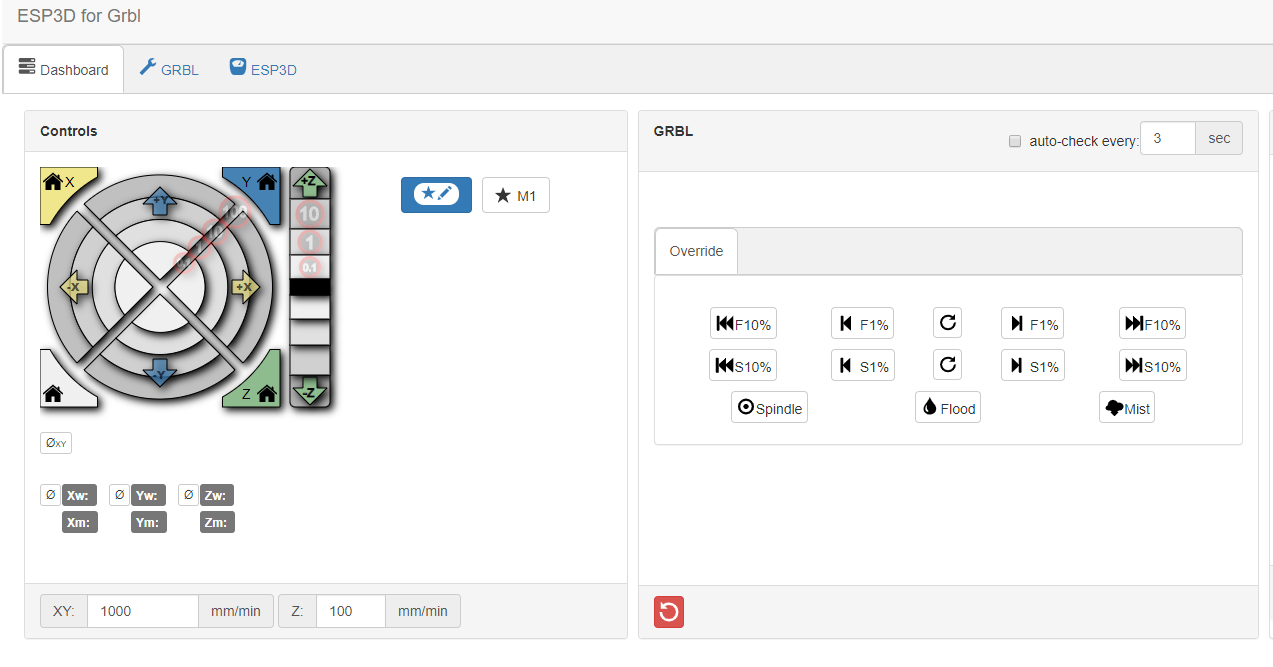
ok keeping same UI as existing one and add it in footer
!image
the existing one will still appear also when doing
#15 – peek82 于 2019-11-03
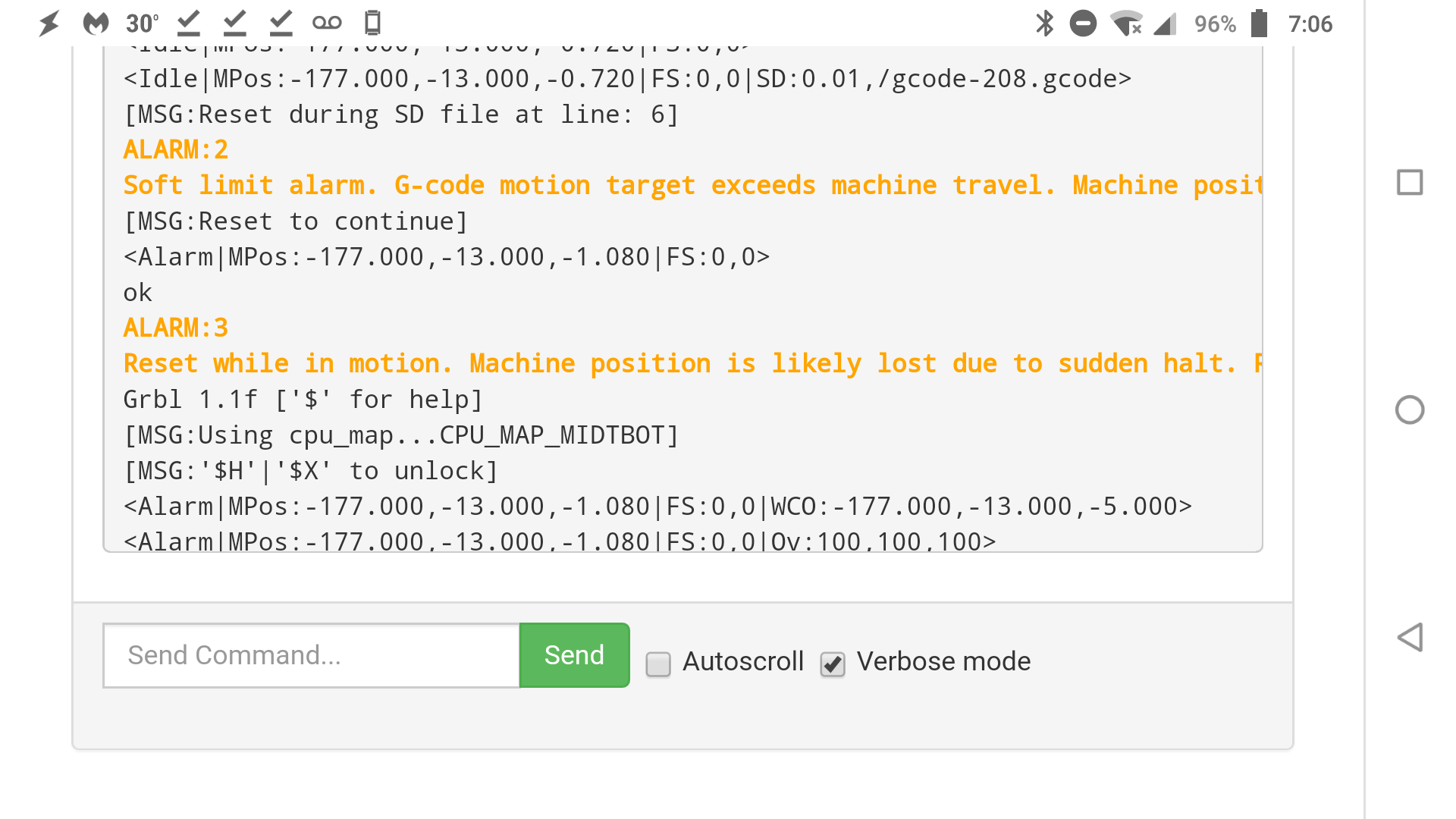
Thank you! The new reset button is working. It does throw an alarm 3 after using it which is odd because the machine never actually moved, but perhaps that is the intended functionality. $X clears the alarm 3 and despite the warning, it does not force you to re-home. I truly appreciate the quick response on this issue. Thanks a lot guys!
!Screenshot_20191103-070643
#16 – luc-github 于 2019-11-03
Cool ^_^
I wait @bdring comment before commit it to webUI repo and doing a PR in grbl_esp32 repo
#17 – bdring 于 2019-11-03
That location is fine.
Thank you @luc-github
#18 – luc-github 于 2019-11-03
will do pr for this then. I will add text change you asked
Edit : PR done https://github.com/bdring/Grbl_Esp32/pull/280
#19 – bdring 于 2019-11-03
PR merged to devt
![[gnea/grbl-Mega Issue#1] $ command extentions](https://www.grblhal.com/wp-content/themes/gitphp/timthumb.php?src=https://www.grblhal.com/wp-content/themes/gitphp/assets/img/pic/1.jpg&h=110&w=185&q=90&zc=1&ct=1)
![[gnea/grbl-Mega Issue#2] Better interrupt priorities](https://www.grblhal.com/wp-content/themes/gitphp/timthumb.php?src=https://www.grblhal.com/wp-content/themes/gitphp/assets/img/pic/10.jpg&h=110&w=185&q=90&zc=1&ct=1)
![[gnea/grbl-Mega Issue#3] ATMega16U2 virtual com port on ATMega2560](https://www.grblhal.com/wp-content/themes/gitphp/timthumb.php?src=https://www.grblhal.com/wp-content/themes/gitphp/assets/img/pic/2.jpg&h=110&w=185&q=90&zc=1&ct=1)
![[gnea/grbl-Mega Issue#4] Real-time adjustable feedrates](https://www.grblhal.com/wp-content/themes/gitphp/timthumb.php?src=https://www.grblhal.com/wp-content/themes/gitphp/assets/img/pic/6.jpg&h=110&w=185&q=90&zc=1&ct=1)
#1 – luc-github 于 2019-11-02
can you take a screen shot of UI when this happen ?