
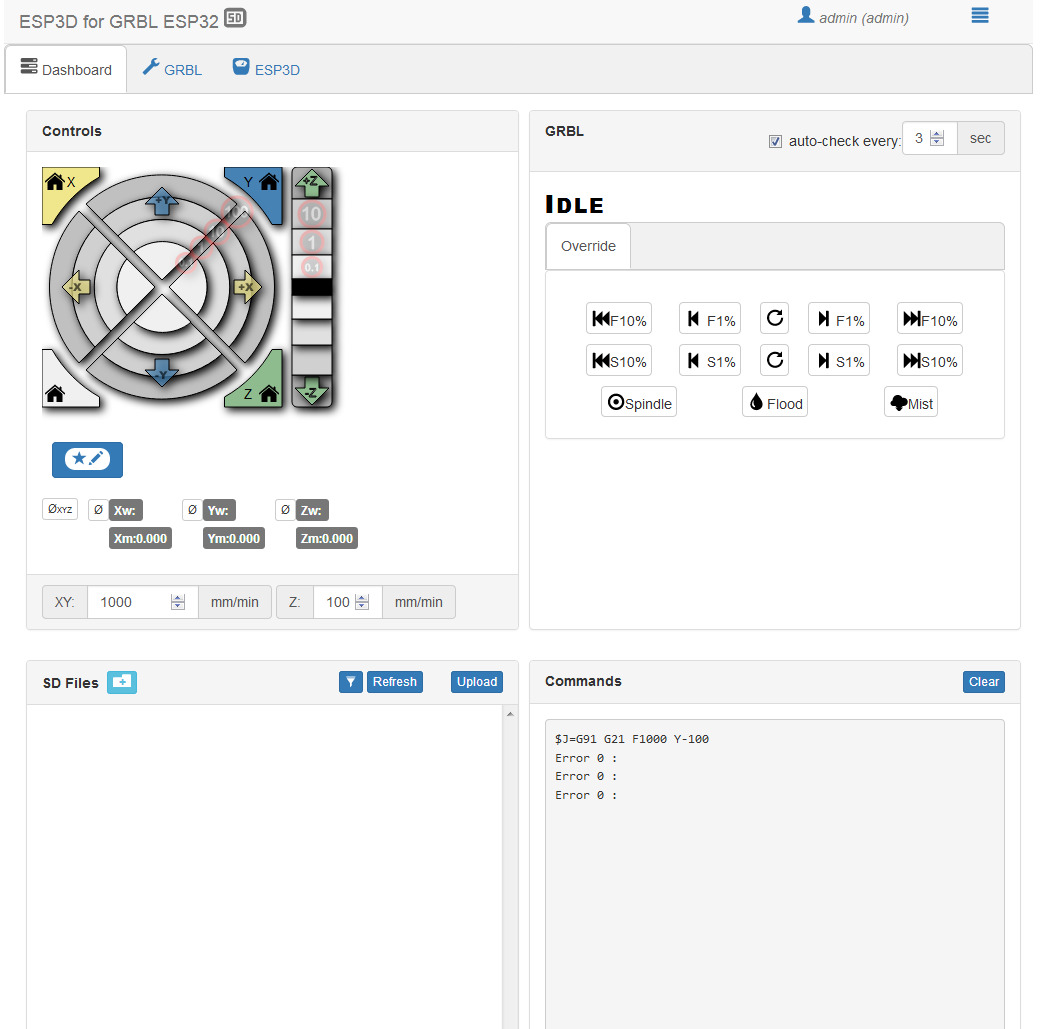
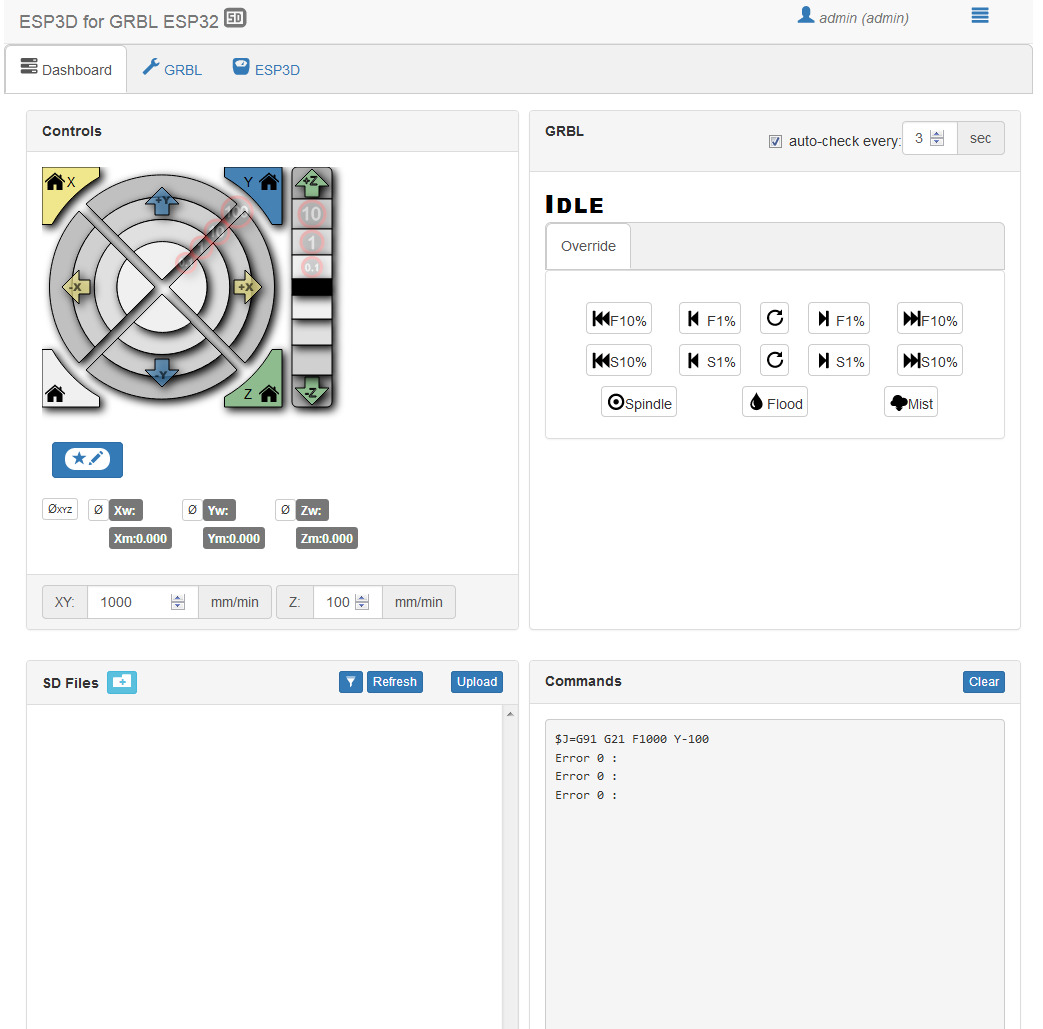
error 0 accruing and connection did not last more than 30 seconds
!IMG-20190818-WA0017
!IMG-20190818-WA0018
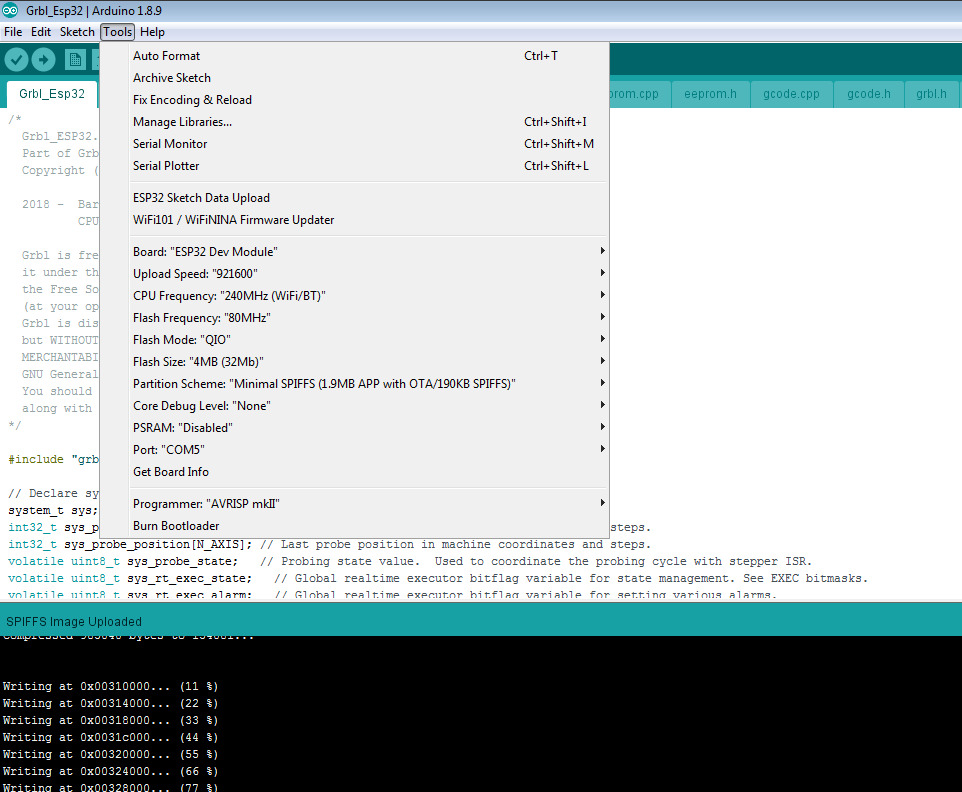
uploaded grbl using these settings
评论 (29)
#2 – bdring 于 2019-08-22
I do not understand your problem. Can you give a longer description of what happens, when it happens, and where you are seeing the error?
#3 – brahmsoftware 于 2019-08-22
Hello
We have burned esp32 devkit using Arduino 1.8.9
Configured latest board updates of esp32 using git.
And burned latest esp3d gui to run fusion 360 created geodes.
But when we connect with grbl_esp hotspot and open 192.168.0.1
GUI open but it gets disconnected, connection don’t last more than 30seconds.
And “error 0” is printed to command window of guy.( you can see in the first screenshot).
We have also tried the procedure written in wiki -> compiling grbl and also tried many versions of esp32 boards and arduino software.
Can you tell us what procedure to follow or which version of arduino is compatible with which version of esp32 Dev module board and which esp3d guy to burn.
Thanks in advance. 
#4 – bdring 于 2019-08-22
Can you join our Slack, so I can help in real time?
#5 – luc-github 于 2019-08-23
if you cannot please complete these info to understand the context :
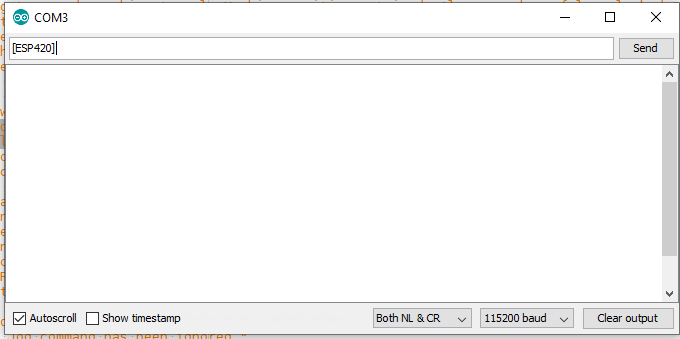
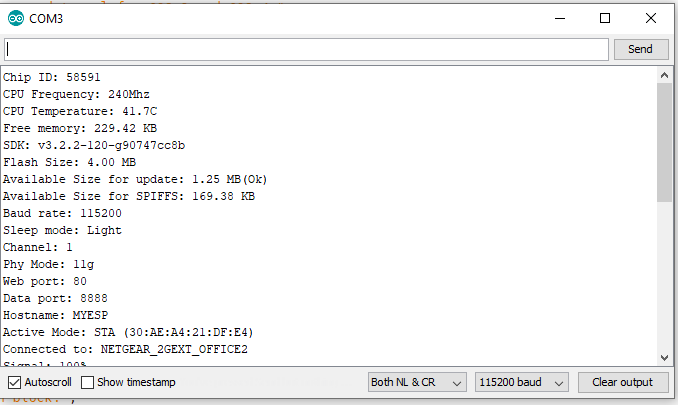
To Reproduce
Steps to reproduce the behavior:
1. Go to ‘…’
2. Click on ‘….’
3. Scroll down to ‘….’
4. See error
GRBL Firmware: (please complete the following information)
– Version build (GRBLVERSIONBUILD in grbl.h):[e.g 20190708]
– Web UI Version:[e.g 2.1b14]
– Wifi mode:[e.g. STA]
– CPU Map:[e.g. CPUMAPFOO_6X]
– Any change done in FW
ESP32 core
– Version: [e.g. 1.02 or git version commit 6daf773464b62f9c832f0b9a81ef8b4cd7b36f10]
– Partition scheme: [e.g. Default 4MB with spiffs]
Board used (please complete the following information):
– Name:[e.g. NodeMCU2s]
– Flash size: [e.g. 4M (2M SPIFFS)]
– Any hardware details is welcome [e.g. Step drivers TMC2200]
Browser used (please complete the following information):
– Name: [e.g. Chrome]
– Version [e.g. 2.0]
– Operating system [e.g. Windows 10]
Additional context
Add any other context about the problem here.
Developer tools output, error message, etc…
#6 – brahmsoftware 于 2019-08-24
GRBL Firmware:
Version build (GRBLVERSIONBUILD in grbl.h):20190708
Web UI Version:2.1b43
Wifi mode:STA
CPU Map:CPUMAPESP32
ESP32 core
Version: 1.0.3-rc1
Partition scheme: Minimal SPIFF (1.9MB APP with OTA/190KB SPIFF)
Board used:
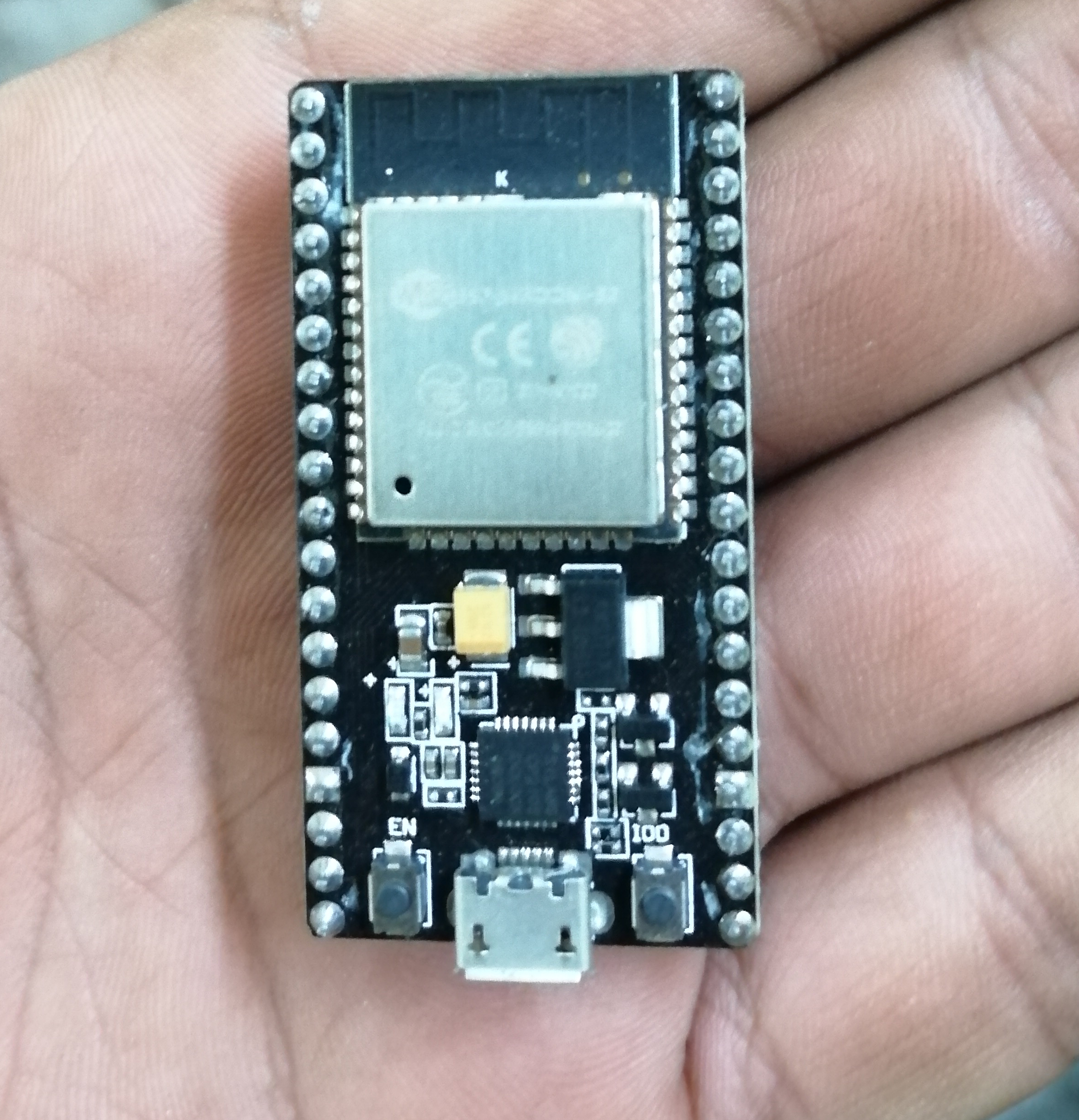
Name: ESP32 Dev kit Module – ESP32D0WDQ6 (revision 1)
Flash size: 4MB
Browser used:
Name: Mozilla Firefox
Version: 68.0.2 (64-bit)
Operating system: Windows 7 (64-bit)
ESP3D-WEBUI used:
Version : 2.1
With the below configuration the sketch was compiled successfully. When we connect it using wifi for the first time following happens:
1. Opened 192.168.0.1 in browser, upload page opened.
2. We tried to upload index.html.gz but mostly it fails and port 80 does not respond.
3. Then after pressing reset button the page opens again and we quickly upload WEBUI before it go unresponsive.
4. then after refreshing the browser window, WEBUI opens.
5. But then after 20-30 seconds it again go unresponsive and “ERROR 0” is printed in the command screen.
!63223561-22f22480-c1d5-11e9-8a6f-3ce24e2398c8
#7 – luc-github 于 2019-08-24
I cannot reproduced your issue I did same Jog command and the UI continue to work.
the reason looks like bad connection if you have bad response when in AP mode.
can you try :
1 – disable authentication to simplify communication – you can enable it after once you get working solution
2 – you mention you use it in STA mode but you use 192.168.0.1 which is AP mode can you confirm ?
3 – check signal in STA mode as you seems having bad connection better to enter setting by hand.
use arduino serial terminal or any serial terminal and type the following ESP commands one by one in same order:
“
[ESP100]

[ESP101]

[ES102]DHCP

[ESP110]STA

[ESP444]RESTART
then when you are connected you can type in serial terminal
try also the webUI with the new IP to seee if you still have the issue
#8 – brahmsoftware 于 2019-08-24
Thanks for the replay.
1. Authentication already disabled.
2. Yes it the AP mode sorry for that.
3. I am trying STA now then I’ll try these ESP commands.
Can you also tell me which Versions of the following shall I use, I want to try this also:
1. GRBL Firmware
2. ESP32 core
3. ESP3D WEBUI
#9 – luc-github 于 2019-08-24
1 grbl_esp32 latest git version of master branch
2 esp32 core latest git version of master branch
3 the index.html.gz present in data directory of the grbl_esp32 branch you are using
#10 – brahmsoftware 于 2019-08-24
https://www.instagram.com/p/Br48eKsA7WB/?igshid=1p84mfta54otl
We have made this n Dec. 2018 using your previous version of grbl.
This time we are trying bigger but we’re stuck in the above problems.
Please check your slack account.
#11 – dvisser-zz 于 2019-08-24
I have experienced this with the ESP-32S VROOM module. My fix was to change flash mode from QIO to DIO and lower flash frequency from 80MHz to 40MHz. I read up and apparently there is an issue with the VROOM modules and QIO support due to the type of flash in those modules.
#12 – kushalsharma07 于 2019-08-24
!IMG20190722205649
!IMG20190722205655
!IMG20190723210901
!IMG20190722135621
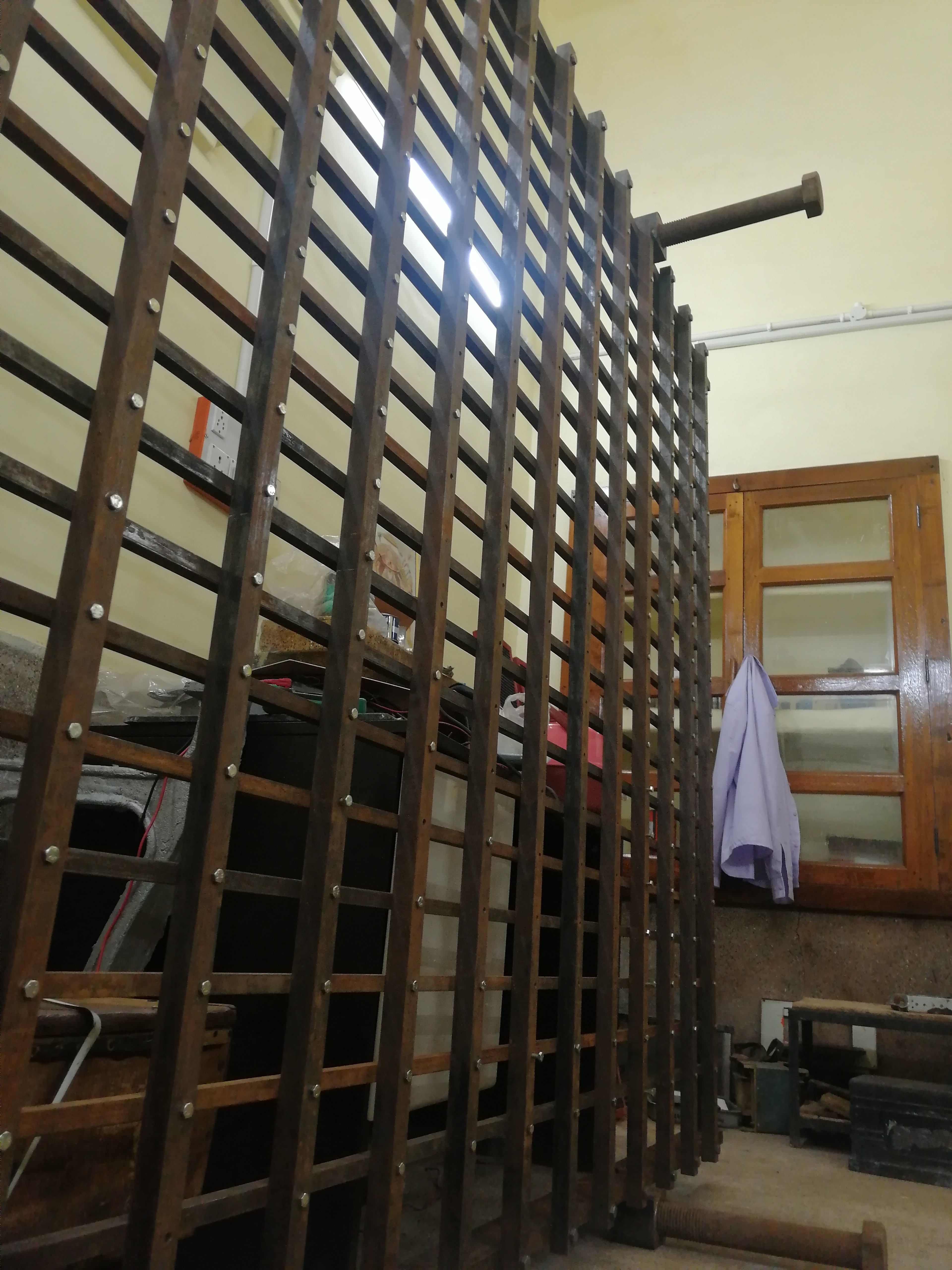
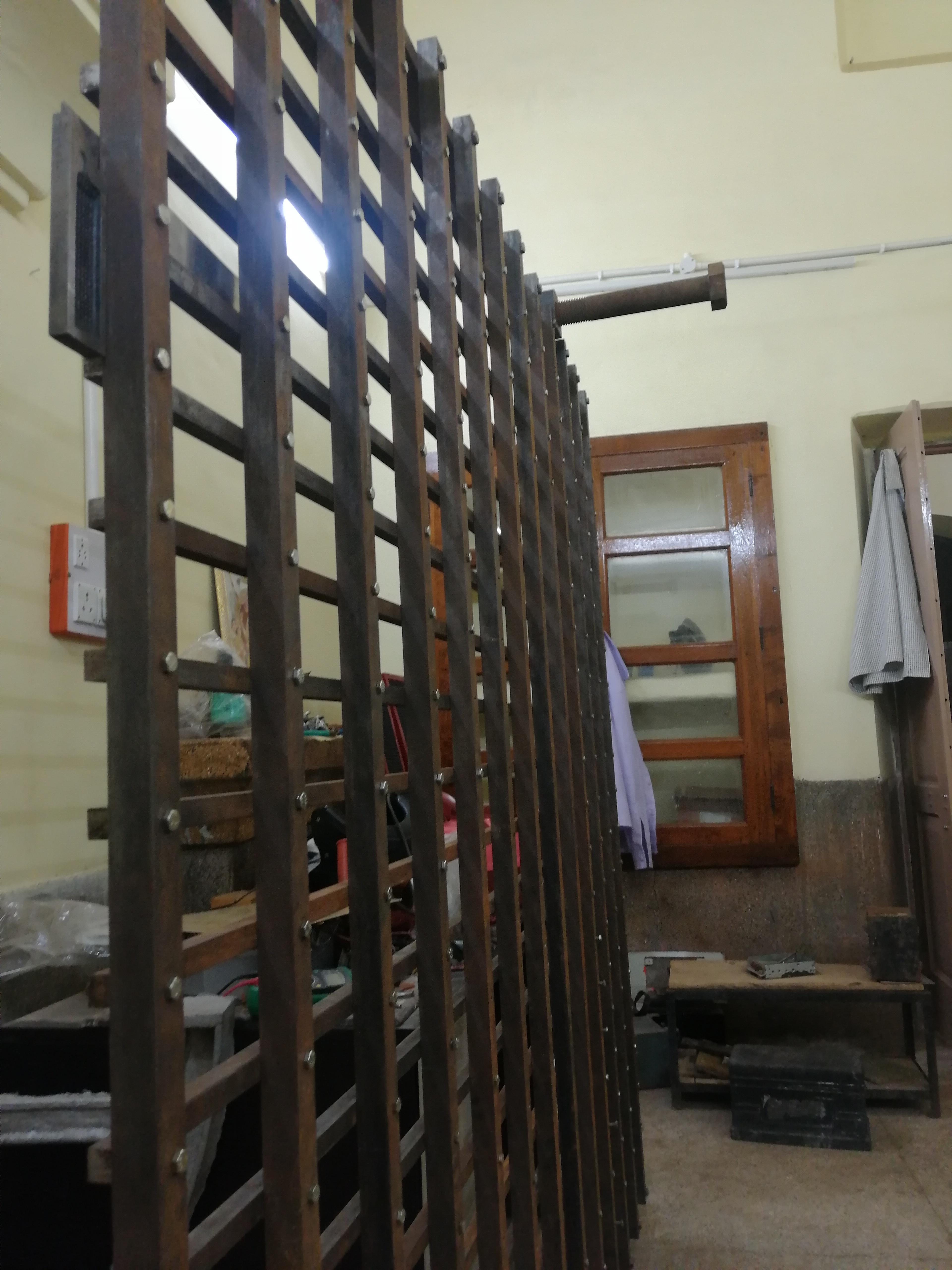
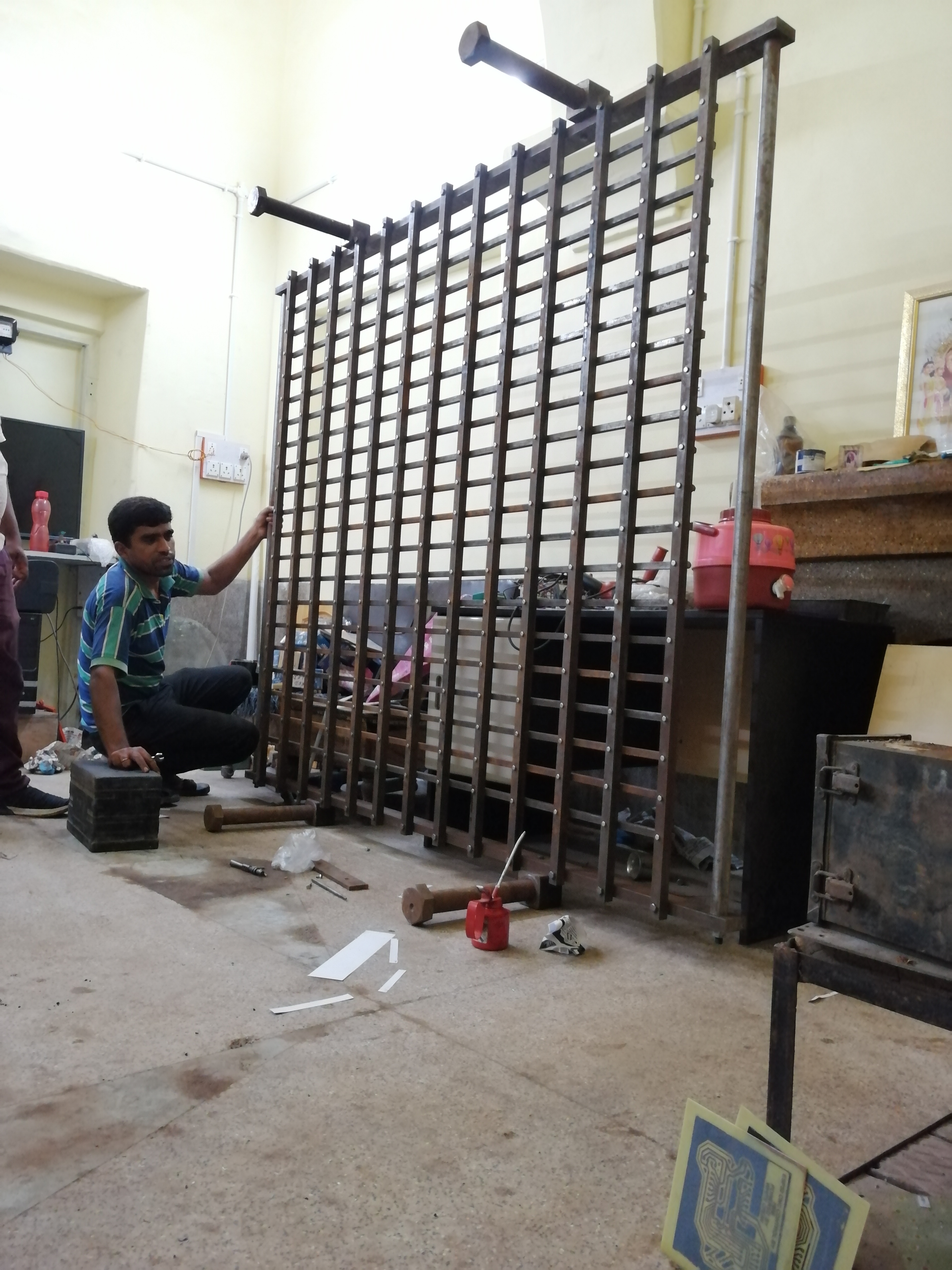
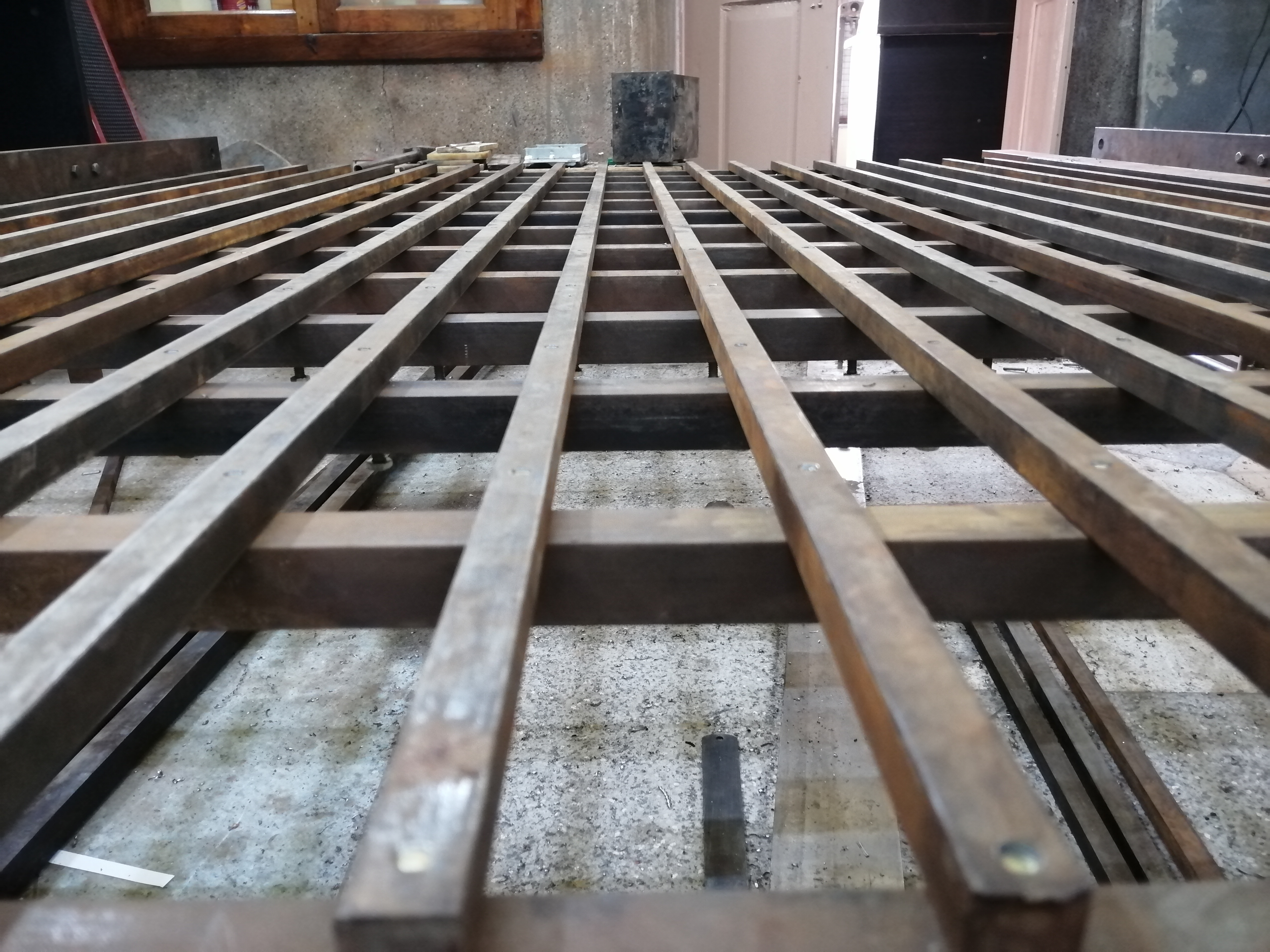
This is the cnc router bed we are ready to use with this grbl but it not giving same performance like we did last time in December 2018.
#13 – bdring 于 2019-08-24
I think the firmware and WebUI was correctly loaded. I think you are loosing the connection. This could be due to radio noise or bad antenna on module.
What is the signal strength? Can you try STA mode to a nearby router.
#14 – kushalsharma07 于 2019-08-24
By sta mode you mean we should choose client in settings menu?
It’s responsive time is like 20-25 seconds to make changes like this, I will try.
#15 – luc-github 于 2019-08-24
Or you use the commands I gave you. No need webui
#16 – kushalsharma07 于 2019-08-24
We tried these commands it was giving Error :1
#17 – luc-github 于 2019-08-24
You use them in webui I wrote to use them by serial
#18 – kushalsharma07 于 2019-08-24
I wrote it in serial monitor or arduino ide and it was giving Error :1 on some commands and Error :2 on some
#19 – luc-github 于 2019-08-24
“
"error:1":"G-code words consist of a letter and a value. Letter was not found.",

"error:2":"Missing the expected G-code word value or numeric value format is not valid.",
can be wrong baud rate/ no end line / wrong typo
can you send a screenshot of serial monitor windows typing the command like this one?
!image
then enter give that
!image
#20 – kushalsharma07 于 2019-08-24
Lemme go to my workshop and I will send you screenshot shots shortly, thanks for your help and fast replies 😁
#21 – bdring 于 2019-08-24
If you just click the send button it should respond with “ok”. Drop down…”Both NL & CR” can be changed to “Carriage return”
#22 – brahmsoftware 于 2019-08-24
Response of commands in order:
1. [ESP420]
2. [ESP100]
3. [ESP101]
4. [ESP102]
5. [ESP110]
6. [ESP444]
!Untitled-1
STA Mode is now active
#23 – brahmsoftware 于 2019-08-24
WOW!
Its working well now.
Thank you so much!! :+1:
#24 – brahmsoftware 于 2019-08-24
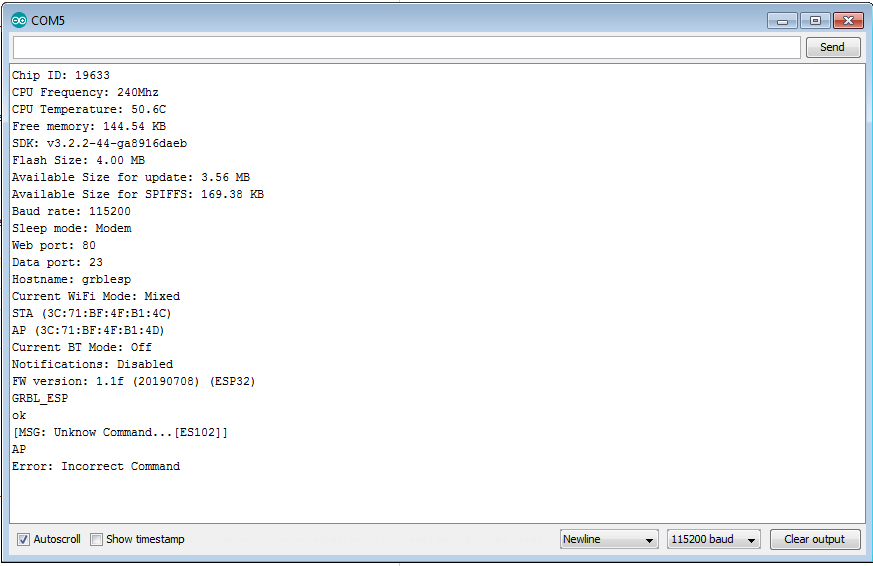
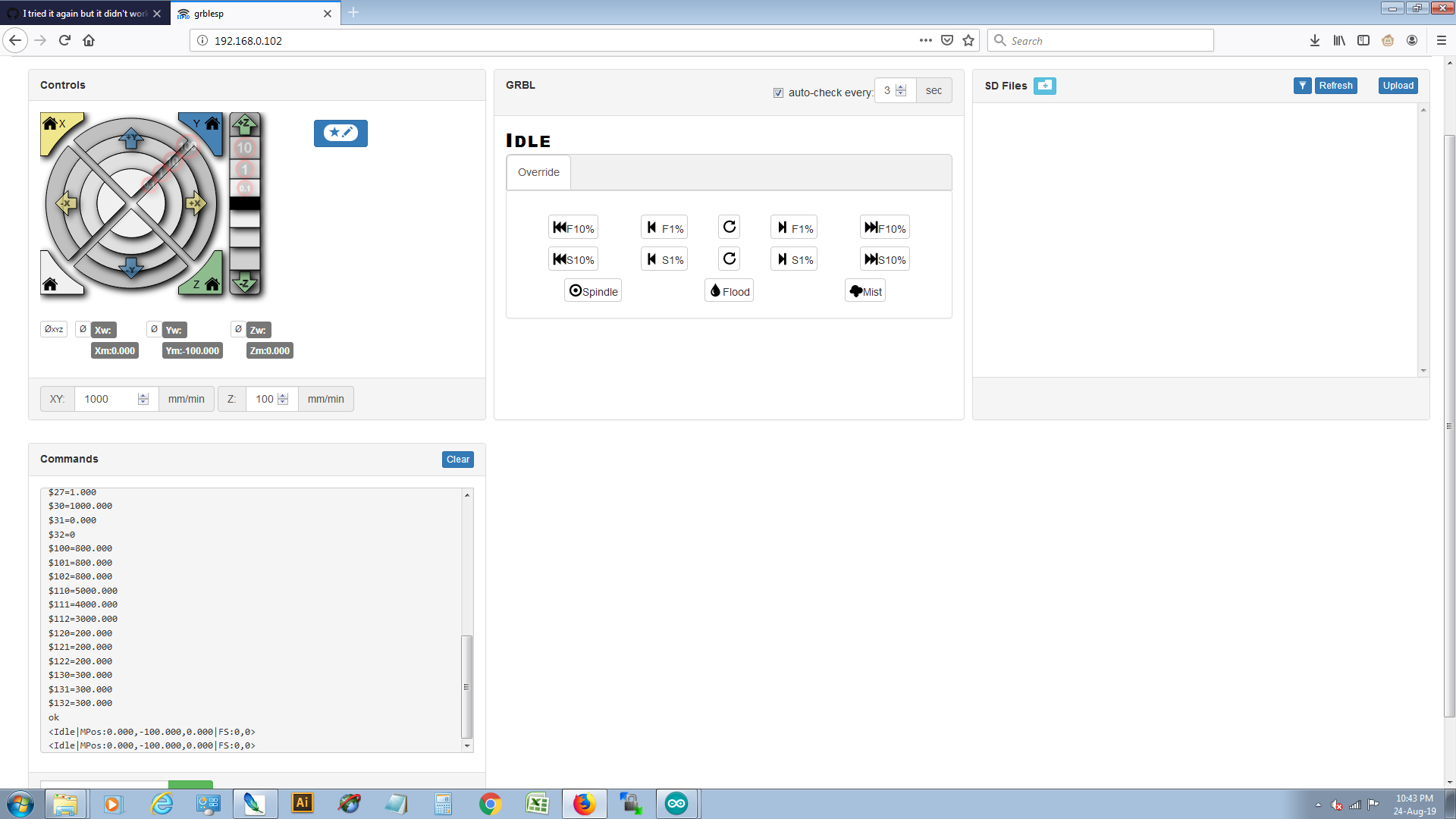
!Untitled-2
It’s working well now. I’ll be checking it on our machinery tomorrow.
Thank you in advance!
You made our day.
#25 – JamesNewton 于 2019-08-24
I’ve been following this out of curiosity. What exactly was the problem? It’s not clear to me what fixed the issue?
#26 – kushalsharma07 于 2019-08-24
@James We were trying to connect it with ap mode, and it was getting disconnected, let’s see how it goes on with running motors
Thank you Barton & luc-github
#27 – bdring 于 2019-08-24
Most ESP32 dev boards have pretty basic antennas. Espressif recommends the antenna portion of the module hang off the edge off the board. Most don’t do that.
Station mode, used with a router that has good antennas might make up for that.
Regardless, both AP and STA do work if you have a good connection. I don’t have any problems with either.
#28 – kushalsharma07 于 2019-09-04
Do hold, start and reset needs to make enable in file? Because these buttons do nothing when connected to ground.
#29 – bdring 于 2019-09-04
You need to define them in your cpumap and comment out #define IGNORECONTROL_PINS in config.h
Can you start a new topic with each issue. The title of this was never very helpful and the topic is bouncing around a lot.
I am closing this issue
![[gnea/grbl-Mega Issue#1] $ command extentions](https://www.grblhal.com/wp-content/themes/gitphp/timthumb.php?src=https://www.grblhal.com/wp-content/themes/gitphp/assets/img/pic/1.jpg&h=110&w=185&q=90&zc=1&ct=1)
![[gnea/grbl-Mega Issue#2] Better interrupt priorities](https://www.grblhal.com/wp-content/themes/gitphp/timthumb.php?src=https://www.grblhal.com/wp-content/themes/gitphp/assets/img/pic/3.jpg&h=110&w=185&q=90&zc=1&ct=1)
![[gnea/grbl-Mega Issue#3] ATMega16U2 virtual com port on ATMega2560](https://www.grblhal.com/wp-content/themes/gitphp/timthumb.php?src=https://www.grblhal.com/wp-content/themes/gitphp/assets/img/pic/6.jpg&h=110&w=185&q=90&zc=1&ct=1)
![[gnea/grbl-Mega Issue#4] Real-time adjustable feedrates](https://www.grblhal.com/wp-content/themes/gitphp/timthumb.php?src=https://www.grblhal.com/wp-content/themes/gitphp/assets/img/pic/5.jpg&h=110&w=185&q=90&zc=1&ct=1)
#1 – kushalsharma07 于 2019-08-21
Can you please tell me what is the procedure for correct versions of these so I can finish my project it’s bit urgent