
Here a couple of tricks to modify some aspects of the layout:
- Resize panel: hang the mouse over the border (red in picture), cursor should change to a double arrow shape (not show in picture). Now Click and drag the border to resize the panel.
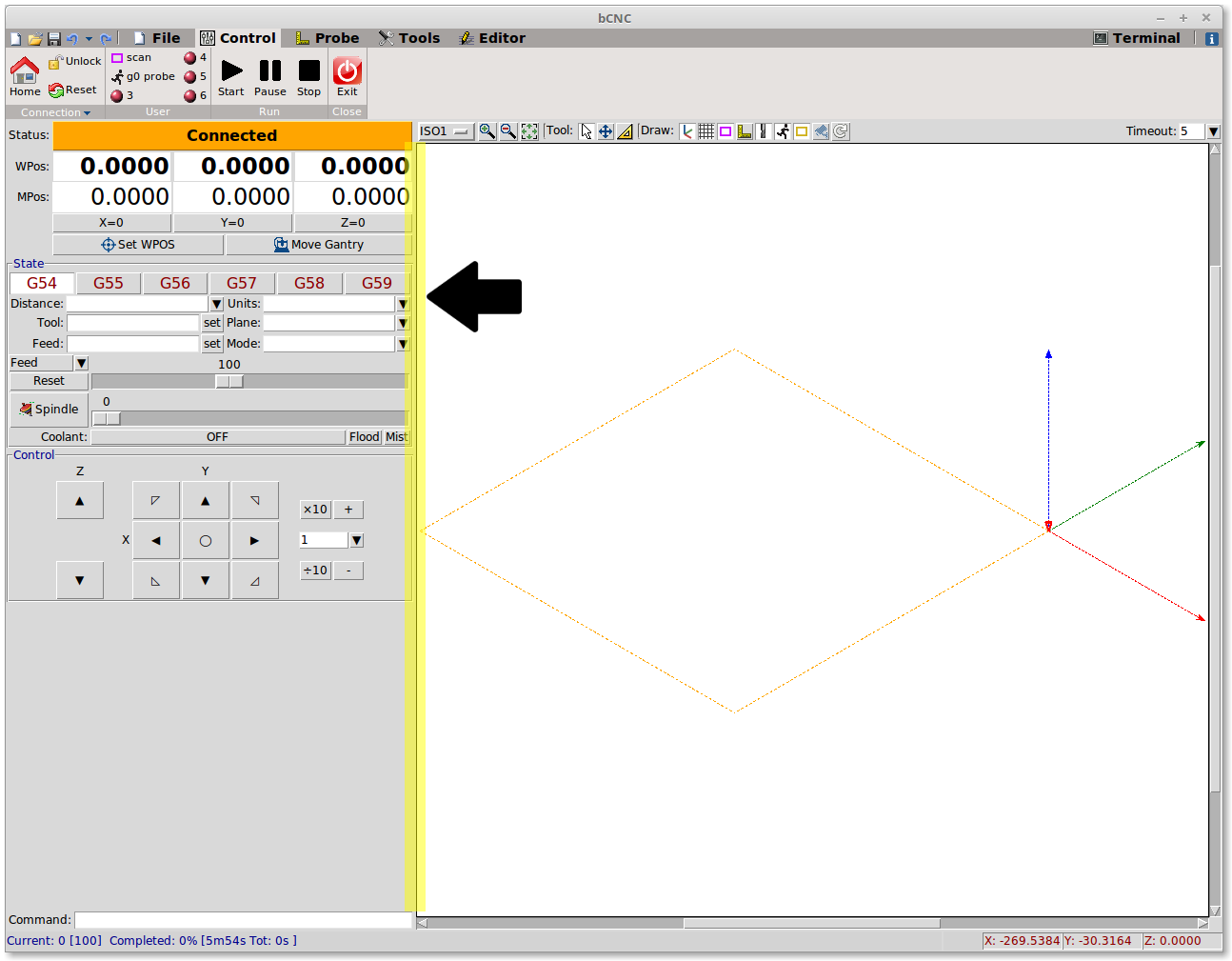
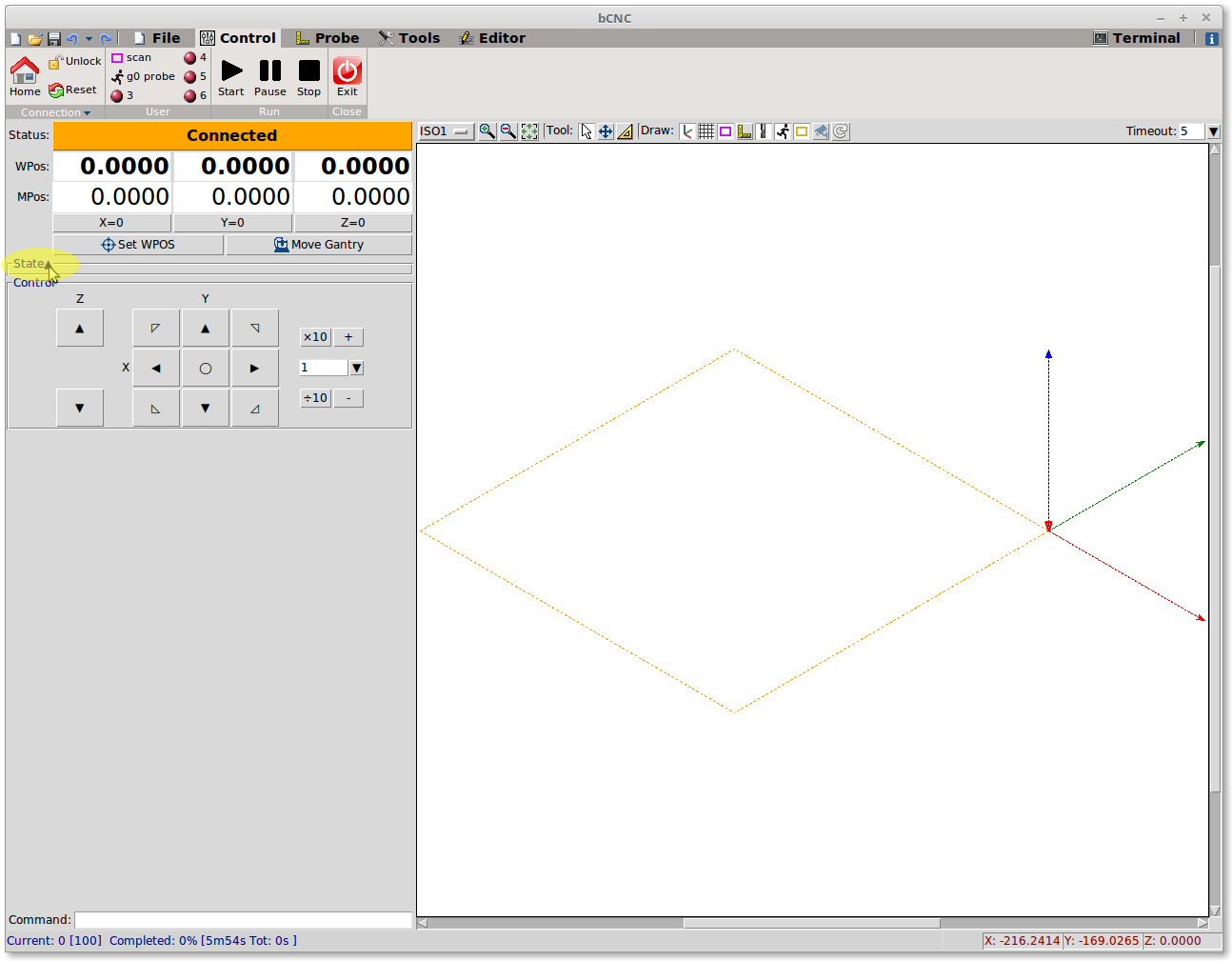
- Collapse: most of the panels can be collapsed if you click over their name, click again to restore them:
本文转载自: https://github.com/vlachoudis/bCNC/wiki/Customize-GUI
![[gnea/grbl-Mega Issue#1] $ command extentions](https://www.grblhal.com/wp-content/themes/gitphp/timthumb.php?src=https://www.grblhal.com/wp-content/themes/gitphp/assets/img/pic/4.jpg&h=110&w=185&q=90&zc=1&ct=1)
![[gnea/grbl-Mega Issue#2] Better interrupt priorities](https://www.grblhal.com/wp-content/themes/gitphp/timthumb.php?src=https://www.grblhal.com/wp-content/themes/gitphp/assets/img/pic/9.jpg&h=110&w=185&q=90&zc=1&ct=1)
![[gnea/grbl-Mega Issue#4] Real-time adjustable feedrates](https://www.grblhal.com/wp-content/themes/gitphp/timthumb.php?src=https://www.grblhal.com/wp-content/themes/gitphp/assets/img/pic/12.jpg&h=110&w=185&q=90&zc=1&ct=1)